Stop Losing Hours to Manual Client Intake. Automate It Once. Run It Forever.
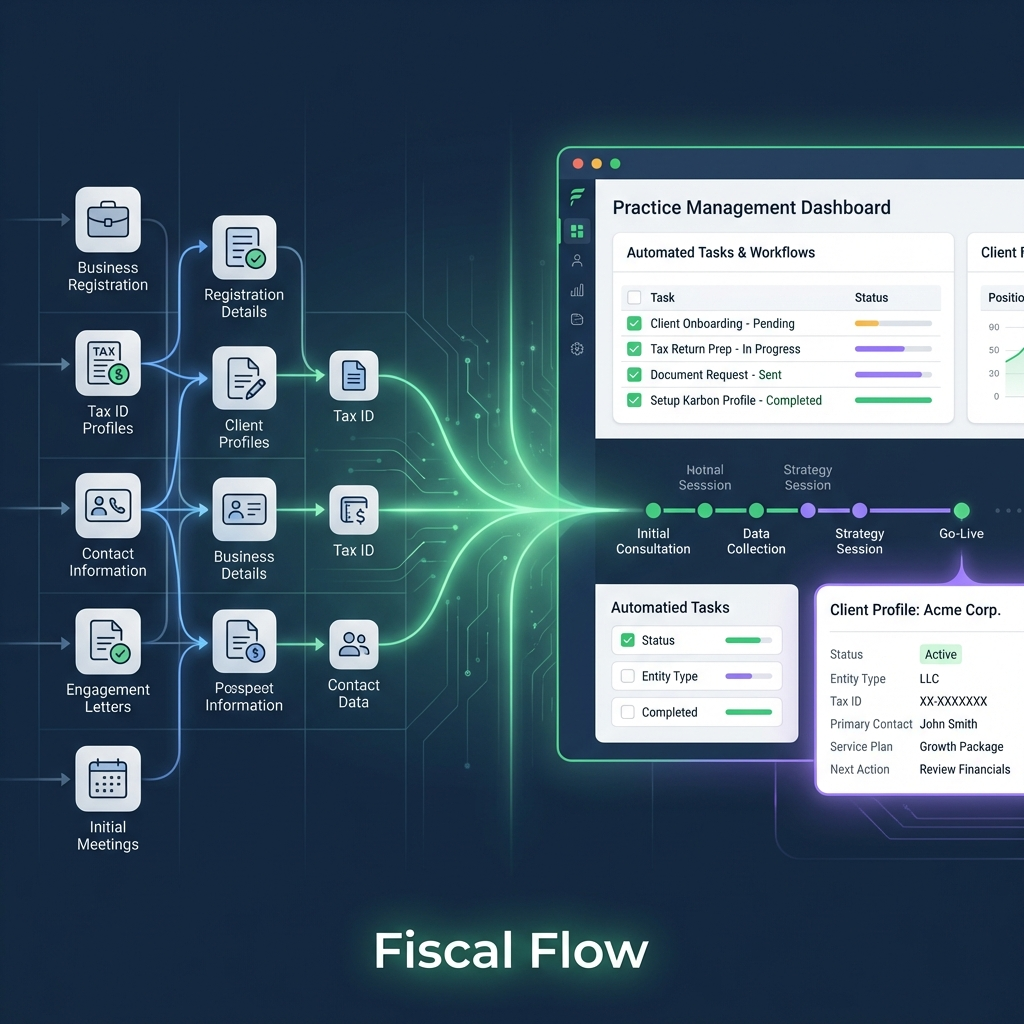
AI Onboarding Automation is the system Fiscal Flow builds for accounting and CPA firms to replace repetitive manual intake with structured digital workflows that run without staff involvement.
Most 2-to-20-person firms are spending 10 to 20 hours per new client on tasks that can be handled by an automated sequence. This system eliminates that overhead while keeping every client journey consistent and compliant.
How much admin is your onboarding process actually costing you?
Four questions. Takes 90 seconds. See where your intake process stands.
How does your firm currently collect documents and information from a new client?
How long does it typically take from a client signing to them being fully set up in your systems?
What happens when a new client does not return documents or complete a step in your onboarding process?
How consistent is the onboarding experience across different staff members or client types?
Your current intake process is creating a ceiling on how many clients you can serve
Based on your answers, your firm is absorbing significant staff time on tasks that repeat identically for every new client. This is not a staffing problem. It is a systems problem. Fiscal Flow designs and deploys a complete AI onboarding automation workflow that handles document collection, client communications, CRM entry and compliance steps without requiring manual staff input at each stage.
You have partial systems in place but gaps are increasing your overhead
Your firm has made progress on structuring intake, but the remaining manual steps are still creating inconsistency and unnecessary admin load. Fiscal Flow can audit your current workflow and close the gaps with automated sequences integrated directly into your existing practice software, so you are not starting from scratch.
Your onboarding infrastructure is strong and ready to scale
Your firm already operates with a structured and largely automated intake process. Fiscal Flow can help you connect that system to your acquisition pipeline so that leads coming in from search or paid channels move through onboarding without any manual handoff required.
Services built to eliminate manual overhead in client intake
Each component is designed to work as part of a connected system, not as an isolated tool addition.
Digital Client Onboarding Workflow Design
Fiscal Flow maps your current intake process, identifies every manual step, and rebuilds it as a digital workflow covering document collection, ID verification, engagement letters and CRM entry. The result is a repeatable sequence that runs identically for every new client without requiring staff coordination at each stage.
Workflow Design
CRM and Automation Integration
The onboarding workflow is integrated into your existing CRM and practice management software so that client data flows automatically between systems without manual re-entry. This removes the handoff errors and data gaps that occur when staff move information between platforms manually.
CRM Integration
Automated Client Communication Sequences
Fiscal Flow builds the follow-up and communication sequences that run automatically when a client does not complete a step, needs a document reminder, or requires a status update. Staff are only involved when a genuine exception requires human judgement.
Automation Sequences
Why a purpose-built system outperforms a generic tool
Off-the-shelf onboarding software requires configuration, management and adoption. A system built around your firm’s existing process requires none of those trade-offs.
Reduced time-to-productive per new client
When document collection, CRM setup and compliance steps are automated, the administrative lag between a client signing and work starting is removed. Firms using structured digital intake report moving clients from signed to active in under one week without adding staff hours.
Consistent compliance at every intake stage
UK GDPR requires that personal data collected during onboarding is handled with transparency and a lawful basis under AI-assisted processes. A designed workflow enforces the same compliance steps every time, removing the risk of inconsistent manual handling by different staff members.
Scalable capacity without proportional headcount growth
A manual intake process means every new client adds administrative work. An automated workflow means the tenth new client in a month costs the same staff time as the first. This is the structural change that allows a firm to grow its client base without a corresponding increase in overhead.
What our clients say
“Generated a large number of leads for our business which we could never have reached or managed on our own.”
“Great persistent marketing with good long term results.”
“Since starting with Fiscal Flow last year, we have now seen a few clients added to our portfolio… great ROI.”
How we build and deploy your onboarding system
The implementation follows a fixed four-stage process designed to reach a functioning automated workflow within two to three weeks.
Intake Audit
We map every step in your current client intake process from first contact through to active client status, identifying which steps are manual, which are repeated identically, and where data currently moves between systems by hand.
Workflow Architecture
We design the automated workflow structure based on your firm’s specific compliance requirements, practice software stack and client types. This stage produces a documented system design before any build work begins.
Build and Integration
The workflow is built and connected to your CRM and practice management software. Automated communication sequences, document collection triggers and CRM entry rules are configured and tested against your real intake scenarios.
Handover and Monitoring
Your team receives a walkthrough of the live system and documentation covering how to manage exceptions. Fiscal Flow monitors the workflow in the first four weeks to identify any steps that require adjustment based on real client behaviour.
Choose your next step
Select the option that matches where you are right now.